Creating a well-organized home workspace can make a significant difference in your productivity and overall comfort. Whether you work remotely full-time or occasionally, setting up an efficient environment helps you focus, reduces stress, and keeps you motivated throughout the day. Here are simple, practical tips for organizing your home workspace to maximize both comfort and efficiency.
1. Choose the Right Spot
Start by selecting the best area in your home for your workspace. Ideally, this should be a quiet spot with good natural light. If possible, pick a place separate from where you relax or sleep to help your brain associate the area with work.
Consider these factors:
– Natural light: Position your desk near a window to benefit from daylight, which helps maintain energy and reduces eye strain.
– Minimal distractions: Avoid high-traffic or noisy areas.
– Space: Make sure there is enough room for your desk, chair, and necessary supplies.
2. Invest in Comfortable, Ergonomic Furniture
Comfort is key to maintaining productivity throughout the day. A supportive chair and a suitable desk height reduce physical strain and keep you comfortable.
Tips for ergonomic setup:
– Chair: Look for adjustable chairs with good lumbar support.
– Desk height: Your forearms should be parallel to the floor when typing.
– Monitor placement: The top of your screen should be at or just below eye level to avoid neck strain.
– Footrest: Use one if your feet don’t comfortably reach the floor.
3. Declutter and Keep Only Essentials
A cluttered desk can distract and overwhelm you. Keep only what you need regularly on your workspace and store away everything else.
Steps to declutter:
– Sort papers and supplies, removing anything outdated or unnecessary.
– Use desk organizers or trays for pens, notebooks, and other frequently used items.
– Limit decorations to a few personal or motivating items to keep the space inviting but not overwhelming.
4. Organize Cables and Electronics
Tangled cords can create a messy and frustrating environment. Managing cables properly not only keeps things tidy but also makes it easier to maintain your workspace.
Cable organization ideas:
– Use cable clips or ties to bundle cords.
– Invest in a cable management box to hide power strips.
– Label cords for easy identification.
– Position charging stations in accessible yet unobtrusive spots.
5. Use Storage Solutions Wisely
Effective storage helps keep your desk clear and your supplies within reach. Choose a combination of open and closed storage solutions to suit your needs.
Storage options:
– Shelves: Great for books, binders, and decorative items.
– Drawers: Ideal for paperwork, office supplies, and personal items.
– Bins or baskets: Perfect for grouping similar items.
– File organizers: Help you sort important documents efficiently.
6. Personalize Your Space for Motivation
While keeping clutter to a minimum, add elements that inspire and comfort you. A positive environment can boost your mood and productivity.
Ideas for personalization:
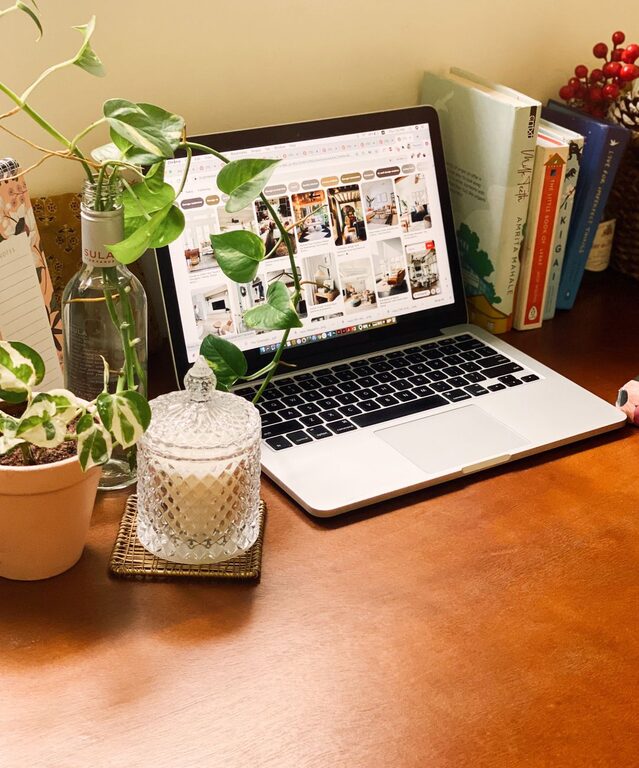
– A small plant or two — they improve air quality and reduce stress.
– Photos or artwork that make you happy.
– A calendar or planner to help keep you on track.
– Motivational quotes or vision boards.
7. Maintain Good Lighting Apart from Natural Light
As natural light fluctuates throughout the day, supplemental lighting is important to keep your workspace bright and reduce eye fatigue.
Lighting tips:
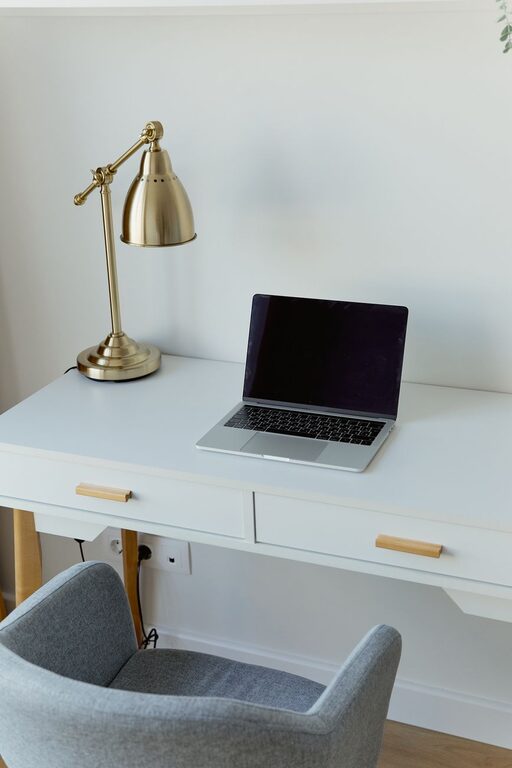
– Use a desk lamp with adjustable brightness.
– Choose bulbs with warm or neutral color temperatures.
– Position light sources to avoid glare on screens.
8. Establish Daily Tidying Habits
Regular maintenance prevents clutter and keeps your workspace ready for productive work every day.
Simple routines to try:
– Spend 5 minutes at the end of each day clearing and organizing your desk.
– File papers immediately after use.
– Clean screens, keyboards, and surfaces weekly.
9. Create Zones for Different Tasks
If your workspace allows, designate specific areas or surfaces for different activities such as computer work, paperwork, and brainstorming. This helps you stay organized and mentally focused.
10. Implement a Digital Organization System
Beyond the physical space, organizing your digital files and folders reduces work-related stress and makes tasks easier to handle.
Suggestions:
– Use clear folder names and consistent file naming conventions.
– Delete or archive old files regularly.
– Use cloud storage or backup systems for important documents.
—
Organizing your home workspace doesn’t need to be overwhelming. By focusing on comfort, decluttering, and creating an efficient layout, you’ll set yourself up for greater productivity and a more pleasant work experience. Start small, adjust as you go, and enjoy a workspace that supports your goals every day.
About the Author